Notion AI made in-document help feel normal for writers. But your writing rarely stays inside one app. Much of it happens across the open web. Writers want assistance wherever the words appear. That is the gap many alternatives now fill. A Notion AI alternative like Clico works in any text box across the browser. It can draft, rewrite, summarize, and translate on the page. This guide weighs the alternatives writers should consider in 2026. It also shows what to compare so you pick the right fit.
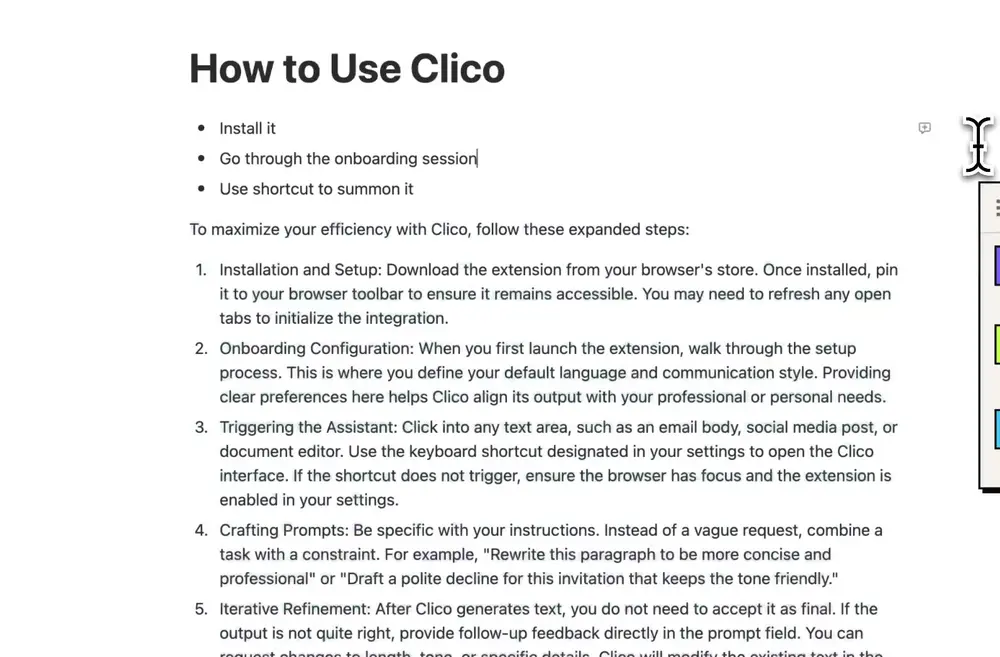
Clico generating a step-by-step guide inside a Notion doc.
Source: official Clico product demo (tryclico.com).
Why look beyond a single editor
Writers move between many surfaces in a day. They draft in docs, then post on the web. A tool tied to one app cannot follow them everywhere.
A browser-wide assistant fills that gap. It helps in email, your CMS, and forms alike. The words get help no matter where they live.
Demand for these skills keeps rising
Writing well with AI is becoming a core professional skill. The World Economic Forum’s Future of Jobs Report 2025 ranks AI and big data among the fastest-growing skills through 2030. Writers feel that pressure across every platform they use. A tool limited to one app cannot keep pace. Browser-wide help fits the way modern writing actually works.
What writers should compare
- Whether it works across the whole browser, not one app
- Quality of rewriting and summarizing, not just generation
- Control over tone and output length
- A free tier you can test on real drafts
These criteria point to one overlap. The diagram below shows where browser-wide help sits.
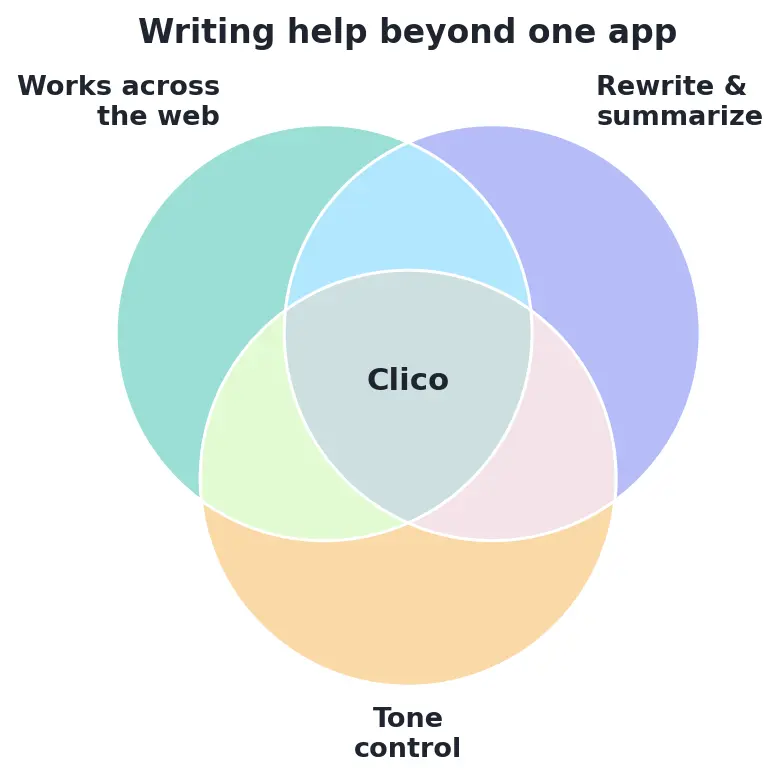
Writing help beyond one app needs web-wide reach, strong rewriting, and tone control — Clico’s sweet spot.
Strong alternatives to try
Clico
Clico brings ChatGPT and Claude to any page. It rewrites, summarizes, and translates in place. For writers who work all over the web, that reach is the draw.
Notion AI
Notion AI remains excellent if your work lives in Notion. Its in-doc help is smooth and well integrated. Many writers keep it for that single environment.
Match the tool to your workflow
Start with where your writing actually happens. If it lives in Notion, keep Notion AI close. If it spreads across the web, go browser-wide.
Many writers run both without conflict. One handles the doc, the other handles everything else. Let your real workflow make the call.
Test each option on a live project. Judge it by time saved and quality kept. The right fit becomes obvious within a week.
Watch how each tool handles your tone. The best one preserves your voice without extra edits. That single trait often decides the winner.
Ultimately, your writing rarely lives in just one app. The best assistant follows you across docs, email, and the open web. Compare reach, rewriting quality, and tone control before you settle. Many writers happily pair a doc tool with a browser-wide one. Judge each by the time it saves and the voice it keeps. The right fit reveals itself within a single week of real use.
How to Use Clico
Clico is built to follow your writing across the browser. Here is how to start in under a minute.
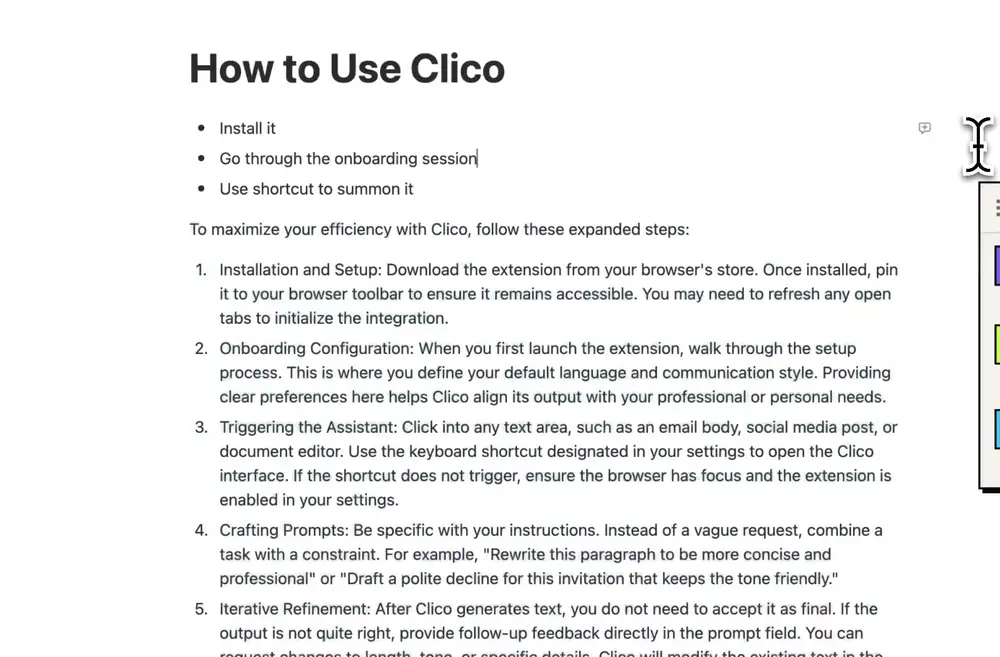
Clico drafting copy directly in Google Docs.
Source: official Clico product demo (tryclico.com).
- Install Clico from the Chrome Web Store on your browser
- Press ⌘O or Ctrl+O in any text box, on any site
- Let it read the page so it matches your context
- Draft, rewrite, summarize, or translate in place
- Adjust the tone and length, then keep your voice
The free plan covers 100 generations a month with no API key. Clico activates only on the shortcut and skips sensitive fields. It works in Gmail, Docs, Notion, and far beyond.
Conclusion
Notion AI is great inside Notion, but writing spills well beyond it. Browser-wide tools like Clico help wherever the words land. Compare reach, rewriting quality, and tone control before you commit. In 2026, the best assistant is the one that follows your writing everywhere.

I’m Erika Balla, a Hungarian from Romania with a passion for both graphic design and content writing. After completing my studies in graphic design, I discovered my second passion in content writing, particularly in crafting well-researched, technical articles. I find joy in dedicating hours to reading magazines and collecting materials that fuel the creation of my articles. What sets me apart is my love for precision and aesthetics. I strive to deliver high-quality content that not only educates but also engages readers with its visual appeal.