You do not need a studio, a large budget or animation experience to post an anime clip on TikTok. You need a short idea that fits five to fifteen seconds and a prompt that describes one clear action. This guide gives you five anime TikTok ideas with ready-to-paste prompts, estimated clip counts and a simple way to test the first one on a free plan.
- What Makes a Good Anime TikTok Idea for a Free Plan?
- Which 5 Anime TikTok Ideas Can You Make Today?
- 1. Meet-the-Character Reveal
- 2. POV: Walk into an Anime Cafe
- 3. The Lo-Fi Anime Window Loop
- 4. The 15-Second Letter Plot Twist
- 5. Sketch to Screen
- How Do You Post an Anime Clip on TikTok?
- How Many Credits Do These 5 Anime Ideas Need?
- Ready to Post Your First Anime Clip With Pollo AI ?
- Frequently Asked Questions
What Makes a Good Anime TikTok Idea for a Free Plan?
The best free-plan ideas use one to three clips, one clear action and a vertical 9:16 frame. Before choosing a concept, remember that free exports may include a watermark and available credits can change. Five rules keep the first test manageable:
- One action per clip. Use a turn, step, wave or gust of wind instead of a full action sequence.
- A vertical frame. Generated in 9:16 so the subject is ready for TikTok without a crop.
- A hook at the start. Open on the most interesting image rather than a slow setup.
- A loop or twist. Give viewers a reason to watch again or wait for the next post.
- Original characters. Use your own designs instead of characters from existing series.
Which 5 Anime TikTok Ideas Can You Make Today?
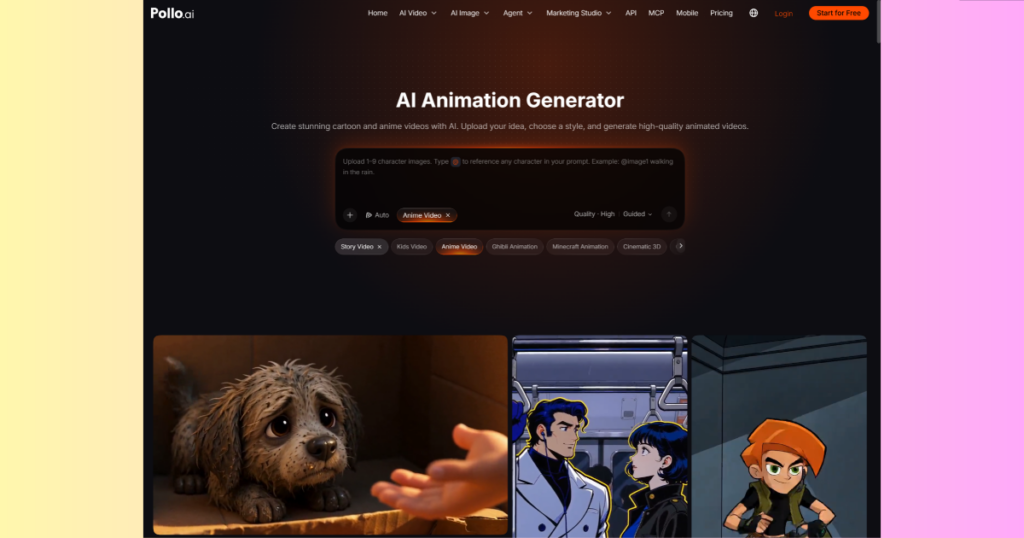
Each idea below needs one to three short clips. When you have a character reference, upload it first and use @image1 in the prompt to call that character into the scene. You can also create anime clips from a prompt with Pollo AI, then add captions and sound in TikTok’s editor.
1. Meet-the-Character Reveal
Use one clip to introduce an original character with a simple camera move. Prompt: “@image1 stands in a neon-lit alley at night, turns slowly toward the camera and smiles, cool blue and pink light, slow push-in, 9:16 vertical, anime style.” If you do not have a reference image, describe the character instead. Add the name as a text overlay after generation.
2. POV: Walk into an Anime Cafe
Use two clips to make viewers feel as if they entered the scene. Clip 1: “First-person view pushing open a cafe door in the rain, warm interior light, a bell rings, an anime barista waves, 9:16 vertical.” Clip 2: “A steaming cup is placed on a wooden counter in front of the camera, rain on the window behind, warm anime lighting, gentle camera movement.”
3. The Lo-Fi Anime Window Loop
Use one clip with small movements that can repeat cleanly. Prompt: “A girl studies at a desk beside a rainy window at night, a cat sleeps nearby, the desk lamp glows, curtains move slightly, static camera, calm lo-fi anime style, 9:16 vertical.” Add music only if you have permission to use it.
4. The 15-Second Letter Plot Twist
Use three clips for a setup, reaction and cliffhanger. Clip 1 shows a boy finding an unopened letter at sunrise. Clip 2 shows his eyes widening as the paper trembles. Clip 3 shows him sprinting down the street with the letter. Keep each prompt focused on one beat and add a caption that raises a question.
5. Sketch to Screen
Use one clip to show a drawing taking its first steps. Upload your own sketch and prompt: “@image1 takes one step forward and waves, a gentle breeze moves the hair and clothes, plain background, static camera, keep the original art style.” Post the still drawing first, then reveal the animated version.
How Do You Post an Anime Clip on TikTok?
Generate in 9:16, trim the opening, add sound and captions, then check the platform’s current AI-labeling rules before posting. For creators making several vertical clips, an anime video generator can also help keep the format consistent across a series.
- Generate in 9:16. Choose the vertical format before creating the clip so the subject is not cropped later.
- Trim the opening. Cut anything before the first interesting image or movement.
- Add sound and captions. Use TikTok’s editor and only use music you have permission to publish.
- Check the label. Review TikTok’s current guidance for AI-generated content before posting.
- Review the watermark. Keep it for a free test or check the current paid export options for a cleaner version.
How Many Credits Do These 5 Anime Ideas Need?
Together, the five concepts use eight short clips. The planning table below estimates five credits per 5-second, 720p clip, so confirm the current credit rules before publishing or purchasing a plan.
| Idea | Clips | Est. credits | Best use |
| Character reveal | 1 | 5 | Introduce a character |
| Anime cafe POV | 2 | 10 | Create an immersive scene |
| Lo-fi window loop | 1 | 5 | Make a repeatable background |
| Letter plot twist | 3 | 15 | Tell a short story |
| Sketch to screen | 1 | 5 | Show a drawing in motion |
The three one-clip ideas fit within an estimated 15 credits, leaving room to test one clip from the cafe or plot-twist idea. Free exports may carry a watermark. Paid plans can provide more credits and cleaner exports, so check the current plan page for prices and limits before deciding.
Ready to Post Your First Anime Clip With Pollo AI ?
Start with the character reveal, lo-fi loop or sketch-to-screen idea because each needs only one clip. Upload a reference if you have one, paste the prompt into Pollo AI’s animation generator, create two variations and post the stronger version with a short caption.
Frequently Asked Questions
1. Can you make anime TikTok videos with a free AI animation generator?
Yes. Free AI animation generators can help create short anime clips from text prompts or reference images without requiring animation experience.
2. What are some anime TikTok ideas for beginners?
Popular beginner-friendly ideas include character reveals, anime cafe POV videos, lo-fi anime loops, short plot twists, and sketch-to-screen animations.
3. How many credits do these five anime TikTok ideas require?
The five concepts in this guide require eight short clips, estimated at 40 credits using the article’s assumption of five credits per five-second, 720p clip.
4. Can I animate my own anime character using AI?
Yes. Upload your original character reference image and use an image-to-video prompt to animate simple movements such as waving, walking, or turning.
5. What is the best video format for anime TikTok videos?
A vertical 9:16 format is recommended because it fits TikTok’s video layout and reduces the need for cropping.
6. Can AI-generated anime videos be posted on TikTok?
Yes. Creators can publish AI-generated anime videos, but they should review TikTok’s current AI content labeling requirements and use properly licensed music.
7. Does Pollo AI offer free anime video generation?
Pollo AI provides AI video generation options. Free credits, watermarks, export quality, and available features may vary, so check its current plan details before generating.

Sandeep Kumar is the Founder & CEO of Aitude, a leading AI tools, research, and tutorial platform dedicated to empowering learners, researchers, and innovators. Under his leadership, Aitude has become a go-to resource for those seeking the latest in artificial intelligence, machine learning, computer vision, and development strategies.