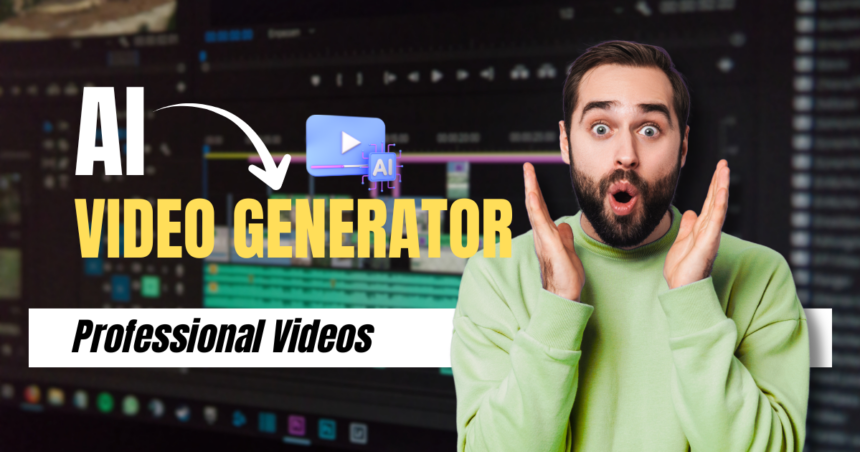
The way we create video content has changed dramatically. What once required a full production team, expensive cameras, and hours of editing can now be accomplished in minutes with the right tools. An ai video generator takes your ideas – whether a text prompt, an image, or a script – and transforms them into polished, professional-looking video content automatically.
This shift is not just about convenience. It represents a fundamental change in who can create video content and how quickly they can do it. Small businesses, solo content creators, marketers, and educators are all discovering that AI-powered video creation removes the technical barriers that once made video production inaccessible to most people.
In this guide, we’ll walk through everything you need to know about AI video generators: how they work, what makes them valuable, and how to use one to produce your first video. Whether you’re a complete beginner or an experienced creator looking to speed up your workflow, this guide will help you get started with confidence.
What Is an AI Video Generator?
An AI video generator is a software tool that uses artificial intelligence – specifically deep learning models trained on vast amounts of video data – to create video content from various types of input. Depending on the platform, you might generate a video from a text description, a still image, an existing video clip, or a combination of these.
The output can range from short clips to longer sequences, and modern tools are capable of producing remarkably realistic motion, lighting, and visual detail. Unlike traditional video editing software, which requires you to manually assemble footage, an AI video generator handles the creative and technical heavy lifting for you. The result is a workflow that is faster, more accessible, and far less dependent on specialized skills.
The Technology Behind AI Video Generation
At the core of most AI video generators are diffusion models and transformer architectures – the same foundational technologies that power image generation tools. These models learn patterns from enormous datasets of video content, allowing them to predict and generate realistic motion sequences frame by frame.
When you provide a text prompt like “a sunset over a mountain lake with gentle ripples,” the model interprets the semantic meaning of your description and generates a sequence of frames that visually represent it. More advanced systems also maintain temporal consistency – meaning objects and scenes remain coherent from one frame to the next – which is one of the hardest technical challenges in AI video generation and a key indicator of a tool’s overall quality.
Key Benefits of Using an AI Video Generator
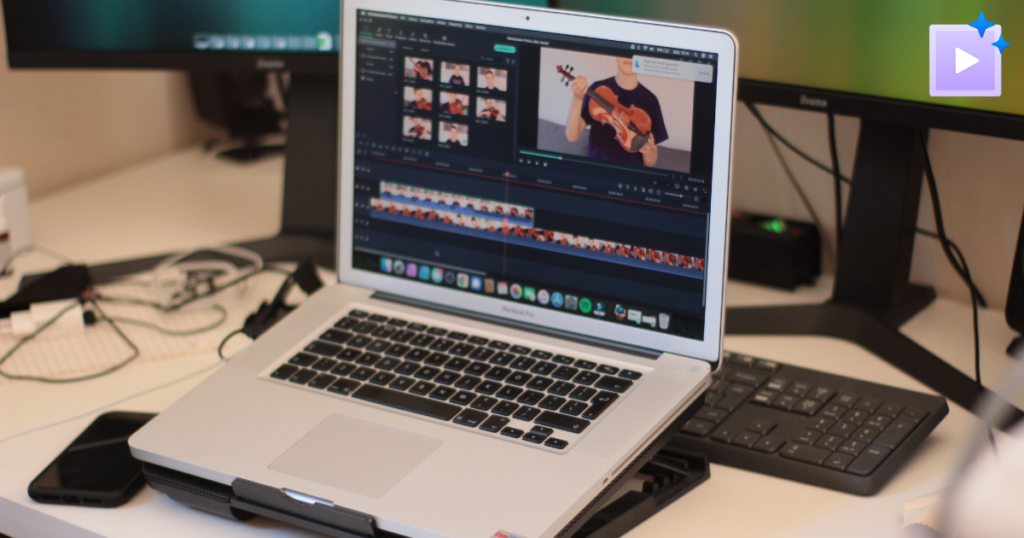
The practical advantages of AI video generation go beyond simply saving time. They fundamentally change what’s possible for creators working with limited resources, tight deadlines, or without access to professional production equipment.
Speed and Efficiency
Traditional video production involves scripting, filming, editing, color grading, and rendering – a process that can take days or weeks depending on the complexity of the project. An AI video generator compresses this timeline dramatically. You can go from a concept to a finished clip in minutes, which is particularly valuable when you need to produce content at scale or respond quickly to emerging trends in your industry.
This speed advantage compounds over time. A content team that previously produced two or three videos per week can potentially produce dozens, opening up new possibilities for A/B testing, personalization, and content volume that simply weren’t feasible before.
Accessibility for Non-Technical Users
You don’t need to know how to operate a camera, use editing software, or understand color theory to create compelling video content with an AI tool. The interface is typically straightforward: describe what you want, adjust a few settings, and generate. This accessibility opens video creation to a much wider audience, including small business owners, educators, and independent creators who previously couldn’t afford professional production services or the time investment required to learn complex editing tools.
How to Create Your First AI-Generated Video
Getting started with an AI video generator is more straightforward than most people expect. The key is understanding how to write effective prompts and how to iterate on your results to get closer to your creative vision with each generation.
Writing Effective Prompts
The quality of your output depends heavily on the quality of your input. A vague prompt like “make a video of a city” will produce generic results. A more specific prompt – “a bustling downtown street at night, neon signs reflecting on wet pavement, people walking with umbrellas, cinematic wide shot” – gives the model much more to work with and produces far more targeted output.
When writing prompts, think carefully about the setting and environment (time of day, weather, location), the subject and its movement (what’s happening in the scene and how), the visual style you’re aiming for (cinematic, documentary, animated, hyper-realistic), and the mood or atmosphere you want to convey. Each of these elements helps the model narrow down the enormous space of possible outputs to something that matches your intent.
Iterating and Refining Your Output
Your first generation is rarely your final result, and that’s completely normal. Most AI video generators allow you to adjust parameters, modify your prompt, or use the initial output as a starting point for further refinement. Treat the first generation as a draft – review it, identify what works and what doesn’t, and adjust your prompt accordingly before generating again.
Some platforms also offer controls for camera movement, aspect ratio, video length, and motion intensity, giving you additional creative control over the final output. Experimenting with these settings alongside your prompt adjustments will help you develop an intuition for how the tool responds to different inputs.
Best Use Cases for AI Video Generators
AI video generators are versatile tools that serve a wide range of creative and professional needs, and understanding where they shine most can help you get the most value from them.
For content creators and social media managers, they provide a fast way to produce short-form video content for platforms like Instagram, TikTok, and YouTube Shorts. Instead of filming and editing every piece of content manually, you can generate multiple visual variations quickly and choose the strongest one for publishing.
For marketers and businesses, AI video generation enables rapid prototyping of video ads and promotional content. You can test different visual concepts before committing to a full production budget, saving both time and money in the early stages of a campaign. Kling AI’s video generation platform is built with exactly these workflows in mind, offering high-quality output with controls that scale from quick experiments to polished final assets.
For educators and trainers, AI-generated video can bring abstract concepts to life visually, making it easier to explain complex topics without requiring animation expertise or a production team. A single educator can now produce illustrative video content that would previously have required a dedicated media department.
Tips for Getting the Best Results
Understanding a few best practices will help you get consistently strong output from any AI video generator, regardless of which platform you’re using.
Be specific in your descriptions. The more detail you provide about the scene, the subject, and the visual style, the more accurately the model can interpret your intent. Avoid ambiguous language and instead use concrete, descriptive terms that paint a clear picture of what you’re imagining.
Start with shorter clips. If you’re new to AI video generation, begin with shorter durations – five to ten seconds – to get a feel for how the tool interprets your prompts. Shorter generations are faster, cheaper, and give you quicker feedback on whether your prompt is working as intended. Once you’re comfortable with the tool’s behavior, you can experiment with longer sequences.
Use reference images when available. Many AI video generators allow you to upload a reference image to guide the visual style or subject of your video. This is particularly useful when you have a specific look in mind that’s difficult to describe in words alone. A reference image can anchor the model’s output to a particular aesthetic or subject in ways that text prompts sometimes can’t achieve on their own.
Review and iterate consistently. The best results typically come from a process of generating, reviewing, and refining – adjusting your prompt based on what the model produces and building on what works. Creators who treat AI video generation as a collaborative, iterative process tend to get significantly better results than those who expect perfection from a single generation.
Bringing Your Ideas to Life with AI Video
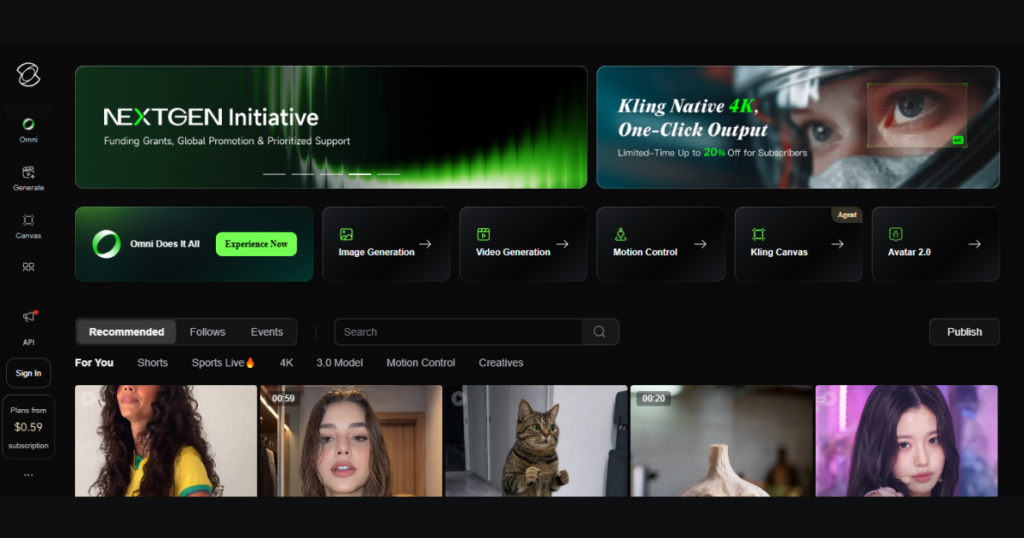
AI video generators have made professional-quality video creation accessible to anyone with an idea and an internet connection. By removing the technical and financial barriers that once made video production exclusive to well-resourced teams, these tools are democratizing one of the most powerful forms of communication available today.
Whether you’re creating content for social media, building marketing materials, or exploring new creative possibilities, an AI video generator gives you the ability to produce compelling visuals quickly and efficiently. The key is learning how to work with the technology – writing clear prompts, iterating on your results, and understanding the strengths of the tool you’re using. Platforms like Kling AI continue to push the boundaries of what’s possible, making it easier than ever to turn a simple idea into a finished video.
As AI video generation continues to evolve, the quality and capabilities of these tools will only improve. Getting familiar with them now puts you ahead of the curve and gives you a meaningful advantage in any field where visual content matters. Start experimenting, and you’ll quickly discover just how much is possible.

Sandeep Kumar is the Founder & CEO of Aitude, a leading AI tools, research, and tutorial platform dedicated to empowering learners, researchers, and innovators. Under his leadership, Aitude has become a go-to resource for those seeking the latest in artificial intelligence, machine learning, computer vision, and development strategies.