Everyone wants to be a photographer nowadays. They want to take good pictures. But often the pictures are corrupted. Some are blurry. Some remain dark. Some have wrong colors. Earlier this was difficult to solve. This involved buying expensive software. It involved learning. But now it has become easier.
AI technology has changed everything. Now you can retouch your online image for free using online tools. No software installation required. No complicated settings. Just upload your photo. AI will fix it automatically.
1. Adobe Express
Adobe Express is a free image enhancer from Adobe powered by Adobe Firefly — trained exclusively on licensed content for commercially safe results. It provides professional quality output similar to Photoshop, but far simpler to use. There are many templates. For social media. For marketing materials. You can remove the background. You can add text. You can apply filters. All on one platform.
Adobe Express draws from Adobe Fonts’ library of 20,000+ premium typefaces and integrates directly with the broader Adobe Creative Cloud suite. You can create content faster with AI-generated images, generative fill, and one-click enhancements. A mobile app is also available. You can edit on the go. Cloud storage is included. You can save your work and continue later.
2. Canva Image Enhancer
Canva‘s tool is very simple. Anyone can use it. This improves the image quality. It brings color to life. Your blurry pictures become clear. To use it, visit the Canva website. Upload your photo. Click the Extend button. It will be done in a minute. You will get a better picture. This tool is completely free. You don’t need to pay any money. This is great for new users. Canva is perfect if you want to create images for social media. You can change the background and add text. It’s all in one place.
Canva has other features as well. You can use templates. Try different designs. Create business cards. Design posters. It is an all-in-one platform. You don’t need any separate software. A mobile app is also available. You can work on your phone. They enhance your photos wherever you sit. Cloud storage is available. You can save your work and continue later.
3. Fotor AI Enhancer
Fotor is also a popular tool. Its AI technology is very good. It helps you zoom images without sacrificing quality. This is great for old family photos. You can also clean your grandma’s photos.
Its interface is very simple. There are no problems. You can also apply filters and adjust the brightness. Facial beauty is also a feature. It gives a glow to the face. The free version has a daily limit but is sufficient for general use.
The footer has batch processing. You can enhance multiple photos at once. It saves time. Useful for professional photographers. Good for editing wedding photos. Perfect for portrait photography. There is an option to change the background. You can edit the background of any photo. Remove items. Remove unwanted elements. Image retouching is now easy.
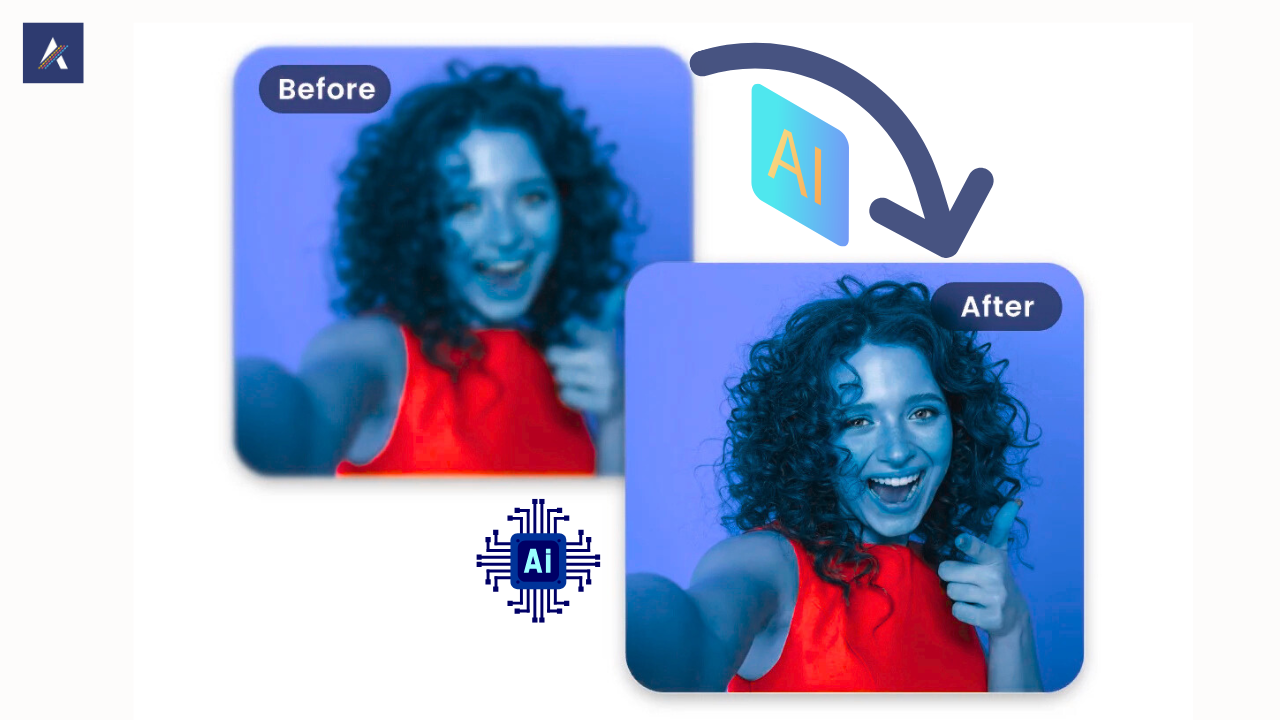
4. Pixlr AI Image Upscaler
Pixlr is a professional tool. However, its basic version is free. It improves image resolution and adds pixels. It uses smart technology. You can convert low quality images to high quality images.
He has many options. You can choose how big you want to enlarge and what result you want. It is useful for graphic designers. It is good for creating logos. There is no watermark in the free version. You can use it comfortably.
Pixlr’s editor is also good. You can make manual edits and use meetings. It’s a Photoshop-like skill, but it’s fully free. A mobile app is also available. You can edit it on the go. Perfect for quick fixes. Useful for social media influencers. Enhance photos instantly.
5. Befunky Photo Editor
Befunky has many features. It also has AI enhancements. It automatically analyzes the image. Then gives better suggestions. You can fix everything with one click. You can also crop and resize. Its specialty is that you can work in layers. It feels professional. There is an option to remove the background. There is a feature of creating colleges. This is great for students. You can enhance images for projects.
Being Funky has creative influences. You can apply artistic filters. Turn your photo into a painting. Add cartoon effects. Perfect for entertaining. Get creative with your personal photos. Templates are available. For social media posts. For YouTube thumbnails. For blog images. You can save time. You can use ready-made designs.
6. Fotor AI Background Remover
Fotor is specifically for free background remove. You can remove the background of any online image. AI automatically detects the object and then removes the background. You can add a new background.
Perfect for product images. Used by online sellers. Useful for e-commerce. The free version has limited downloads, but you can minimize it. The quality is very good. This tool is very fast. Background is removed in seconds. Manual selection is not required. AI works intelligently. It also works well on complex images. Handles hair detail well. Preserves fine details. Maintains transparency. Provides professional results.
7. Remove Bg
Use remove bg to remove the background from image. This is a very popular tool. It is used worldwide. API is available. Developers use it. The free version has limited resolution but is sufficient for web use. You can quickly remove the background. No signup required. Go directly to the website and start working.
There is also a mobile app. You can work from your phone. You get immediate results. This is great for social media.
8. Vanceai
Vanceai tool is specifically for expansion. It can magnify images up to 8x without losing quality. It uses the latest AI technology. There are different modes. A mode for artwork. A mod for photos. You can choose according to your needs. A free trial is available. You can test it first. Then decide. Batch processing is supported.
9. Photo Cut AI
Photocut is a free online photo editor. AI features included. Automatic increments are available. Manual controls are also available. There are retouching tools. Smoothing the skin. Teeth whitening. Red eye removal. Basic edits are best. Also, I am a college maker. Can combine multiple images. Useful for creative projects.
In the Tools folder
The biggest advantage is that they are free. You can work without spending money. Another advantage is that they are convenient. No training is required. The third advantage is that they are fast. The job is done in seconds. You can fix your photos from the comfort of your home. No need to go to the studio. You can relieve old memories. You can create great photos for social media.
Time is saved. Manual editing is avoided. Automated features make work faster. Productivity increases. There is no learning curve. New users can learn easily. Even children can use it. Good for family projects.
Within the range of tools
The free version has limitations. Daily use is prohibited. High resolution outputs are paid. Watermarks may be present. Advanced features are paid. A professional purchase is required. Some tools require sign-up. Personal data may be shared. Internet connection required. Online tools are available. Offline functionality is not available. Large files take time to upload.
How to choose the right tool
Consider your needs. Canva or Be Funky are great if you need basic editing. If you need to remove your background. This is a good thing. View image type. Different tools for natural photos. Different tools for artwork. Different tools for product images. Check your budget. If you want it for free, accept the limit. Compare the features if it is paid for. Read user reviews. See other people’s experiences. Use free trials. Then decide.
Tips for best results
The original image should be good. The lighting should be good. The focus should be clear. Then the results will be better. Use the correct format. JPEG is common. PNG for transparency. TIFF for high quality. Correct the export settings. Balance criteria. Control file size. Optimize for web use. Be sure to keep a backup. Save original images. Save the modified version separately. Use cloud storage.
AI is the future of photo editing
AI is getting smarter. More features are coming. Better quality results are coming. The pace is picking up. Mobile apps are getting better. Integration with phone cameras is getting better. Real-time editing is becoming possible. Live images can be edited.
3D editing is coming. Virtual reality integration. Features of augmented reality. Interactive images are possible. Automation is on the rise. Less user input required. Smart Suggestions keeps getting better. Personalized results are available.

Professional use cases
Useful for photographers. Client images can be edited quickly. Batch processing saves time. Continuity can be maintained. For e-commerce businesses. May enhance product images. Can remove the background. Can provide a consistent look.
For social media managers. Can create content faster. Templates make the job easier. Can maintain brand consistency. For real estate agents. Can enhance property images. Can improve lighting. Can add to the appeal.
Educational use
For student projects. Can extend offers. Can improve visuals. Can enhance creativity. Useful for teachers. To create learning materials. To create visual aids. To create engaging content. Beneficial for schools. To edit photos for publications. To improve event photos. To preserve the memories.
Personal use
For family photos. To relive old memories. To repair damaged photos. To restore color. For social media. To enhance profile pictures. To improve post photos. Creative edits for stories.
For travel photos. For fixing lighting. To make the colors vibrant. To improve memories.
Common mistakes to avoid
Do not over edit. A natural look is important. Don’t use too many filters. Preserve the truth. Get permission if needed. Give credit were due. Keep the file formats correct. Don’t lose quality. Choose the correct format. According to the purpose. Check for watermarks. They have free versions. Paid upgrades if needed. For professional use.
Security Considerations
Keep personal photos safe. Use trusted websites. Read the privacy policies. Avoid data sharing. Use watermarks. If available in free tools. If you have sensitive online images, get the paid version. For professional work. Make sure to have a backup. Use cloud storage. Save local copies. Avoid data loss.
Community support
Get help on online forums. See the tutorial. Watch YouTube videos. Use learning resources. Join user groups. Share experiences. Exchange tips. Learn new features. Give feedback to developers. Give suggestions. Report a bug. Contribute to the community.
Conclusion
AI tools have made photo editing easy. Now anyone can become a photographer. There are many free options. You can try them. Practice makes perfect. Experience Check out the different tools. Create your own style.
New features are coming. The future will only get better. Get started now. Enjoy photo editing. Show your creativity. Preserve the memories. Teach others.

Sandeep Kumar is the Founder & CEO of Aitude, a leading AI tools, research, and tutorial platform dedicated to empowering learners, researchers, and innovators. Under his leadership, Aitude has become a go-to resource for those seeking the latest in artificial intelligence, machine learning, computer vision, and development strategies.