Intro
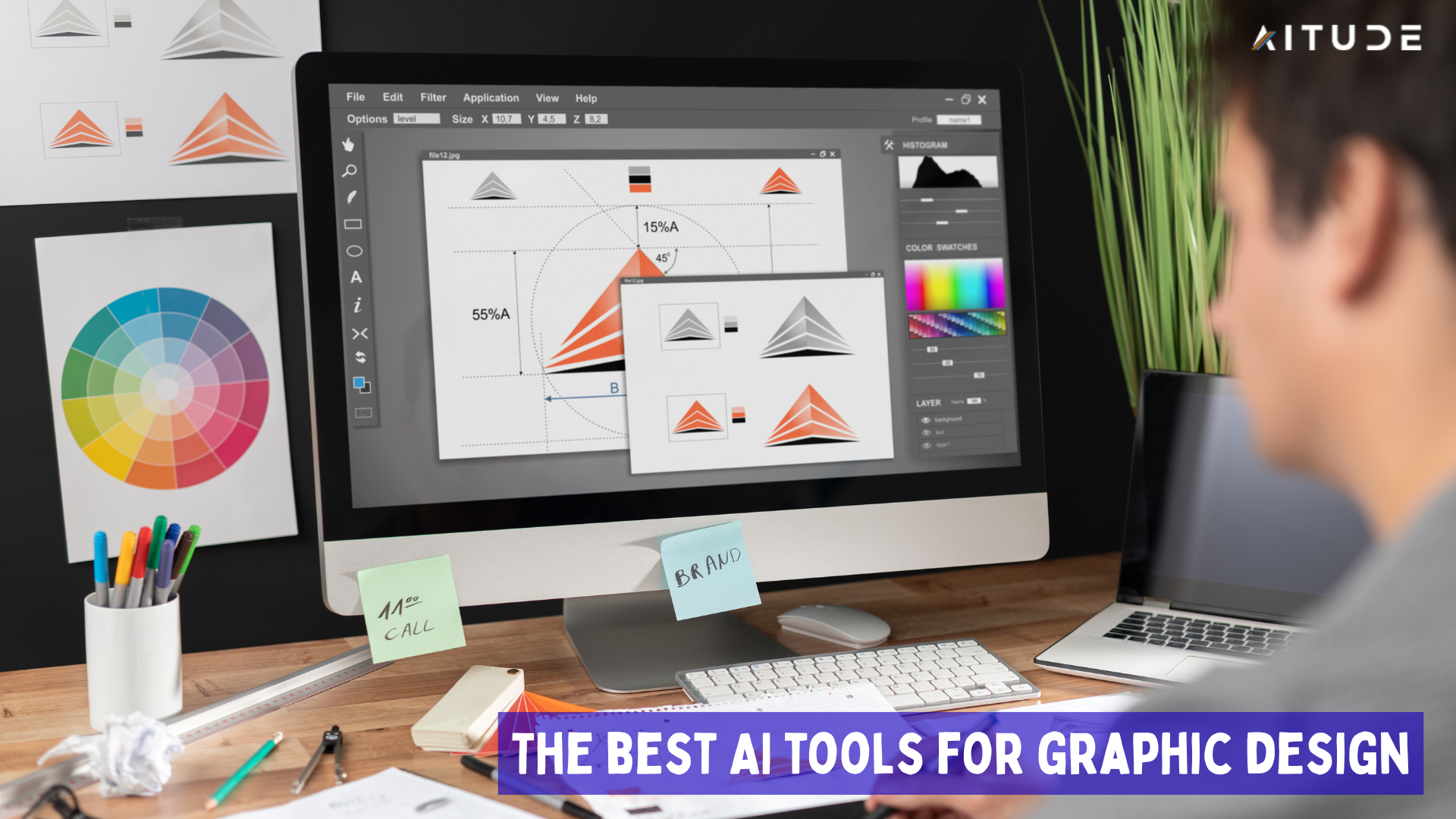
Graphic design made it easy. AI tools have changed everything. These software tools help you create beautiful artwork and achieve professional results. Whether you are a beginner or an expert, anyone can use them. This article will tell you about the best AI design tools, their features and how to use them.
The role of AI in graphic design
AI has transformed the design industry. Many tasks are now automated. These tools boost your creativity and bring your ideas to life. Designing used to be difficult. The software was complex and took time to learn. But now AI has made everything easier.
These tools can create the design for you. Just give your thoughts. AI will create the entire design. It will select the fonts, colors, and layout. It’s just a matter of finishing touches. Design is undergoing a revolution thanks to AI. New tools are emerging every day. Let’s know about the best tools.
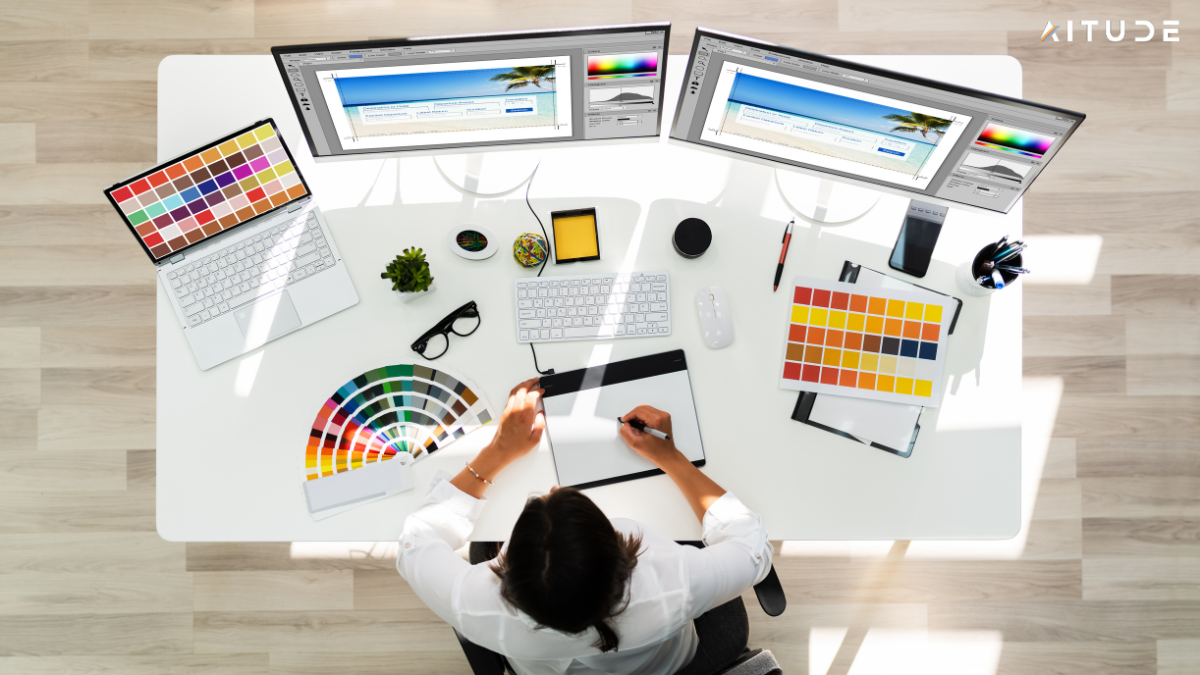
Top AI Graphic Design Tools
1. Canva AI – Beginner Friendly
Canva is the world’s most popular design tool. Now it also has AI features. Magical Design creates the design for you. You just type your idea. Canva will bring you a variety of designs. The choice is yours.
Feature:
• Create designs from text
• Background Hota’s n
• Create a picture
• Template suggestions d
Price: Free plan available. Pro plan $12.95 month.
How to use: Visit the Canva website. Click on AI Features. Type your command. The design is complete.
2. Adobe Firefly – Professional Tool
This is a new AI tool from Adobe. It is part of the creative suite. It has very powerful features. It can create images from text. It can edit existing images. It provides professional results.
Feature:
• Text to image generation
• Photo editing AI
• Vector artwork
• 3D model creation
Price: Free with limitations. Full version with Creative Cloud.
How to use: Visit the Adobe website. Go to the Firefly section. Start your project.
3. Figma AI – UI/UX Design
The Figma design tool now includes AI. This is for website and app design. It provides automatic configuration suggestions and can also generate code. It speeds up the design process.
Feature:
• Smart component suggestions
• Code generation
• Design system support
• Prototyping support
Price: Free for beginners. Professional plan $12.
How to use: Open Figma. Enable AI features. Start designing.
4. DALL-E 3 AI – creative images
DALL-3 AI tool is from OpenAI is very popular. It creates detailed images from text. Understanding is very good. It also understands complex commands. Creation of protected content.
Feature:
• Detailed image generation
• Comprehension of the text
• Multiple styles
• Easy to use
Question: Chat via GPT Plus. $20 per month.
How to use: Get Chat GPT Plus. Activate DALL-E. Enter your command.
How to use these tools
AI design tools are easy to use. Just follow few steps:
1 : Decide on your project. Decide on the type of Graphic design. social media content.
2 : Select the right tool. According to your needs. Canva for beginners. Adobe for Professionals.
3 : Give clear orders. Tell the AI what you want. Explain in detail. Color scheme, style, size.
4 : Check the results. If you don’t like them, try changing knowledge.
5 : Alter the final design. Add your own touch.
Effective commands for design
It is important to give good commands to the AI. Check out these examples:
• Logo Design : A minimal logo for a bakery. Use warm colors. Add the wheat symbol.”
• Social Media Post : Instagram post for fitness brand. Motivational quote. Blue color theme.”
• Poster Design : Event poster for a music concert. Bold typography. Dark background.”
• Website Design : Clean website layout for a restaurant. Food photos. Easy navigation.”
• Artwork : Watercolor painting of mountains. Sunset colors. Peaceful scene.”
Fides of AI design
• FAST WORK: Projects completed in minutes. No manual work required.
• Cost Effective: Cheaper than hiring a designer. I can do everything myself.
• Creative ideas: AI makes new suggestions. Enhance your creativity.
• Learning Tool: Good for new designers. Design principles can be learned.
• Brand style: it is easy to maintain. All designs have the same look.
Limitations of AI design
• Originality: AI-generated designs can be identical. Lack of unique touch.
• Human Touch: Emotions and feelings cannot be evoked. Human emotions are missing.
• Technical Issues: Sometimes there are errors. Results are not expected.
• Ethical Concerns: Copyright issues may arise. To the detriment of the original artists.
AI graphic design in the future
AI design tools continue to improve. The next one will be even better in the salon:
• Video Design: AI can create video content. Motion graphics and animation.
• 3D Modeling: Complex 3D models made easy. Text descriptions.
• Real-time collaboration: Team members can work together. Live editing.
• Voice Commands: You can create designs just by speaking. No typing required.
Start your own design business
With the help of AI tools, you can start freelancing and work for clients:
• Create Portfolio: Create different designs with AI. Create your portfolio.
• Services Offered Karen: Logo Design, Social Media Posts. Website graphics.
• Online Presence: Showcase your work on social media. Attract customers.
• Keep Learning: Keep learning new tools. Upgrade skills.
Expert tips for AI design
• Experiment: Try different tools. Find your favorite.
• Practice regularly: Spend some time every day. Improve your skills.
• Add Human Touch: Customize AI design. Add your own style.
• Stay updated: Keep learning new features. Follow industry trends.
• Ethical Usage: Respect the original artists. Follow copyright laws.
Advice for new designers
AI tools are perfect for you. Getting started is easy:
• No Fear: Don’t be afraid of complicated software. AI will help you.
• Fundamentals of Search: Color Theory, Typography. Rules of arrangement.
• Start Small: Start with simple projects. Then move on to bigger projects.
• Community Join: Online design communities. Learn and share.
• Enjoy: Enjoy the creative process. Design is fun.
AI for professional designers
If you’re previously stylish, AI can help you:
• Improve plan: Power boring tasks.
• Creative Block Door: Get new ideas.
• Client Presentations: Multiple options can be created quickly.
• Save Time: Complete projects faster.
Mobile design apps with AI
Now you can design on your mobile phone. Try these apps:
• Canva Mobile: Full Features on Mobile. Design anywhere.
• Adobe Express: Photoshop-like features. Mobile friendly interface.
• Stable mobile playback: AI image generation. Phone by Asana.
• Picart AI: Photo editing and design. Social media content.
Indicates a library for AI design
Create a collection of good commands for different projects:
• Business Cards: Professional business cards. Modern design. Clear contact information.
• Social Media Banners: YouTube Channel Banner. Gaming Theme. Bold Color.
• Product Packaging: Eco-friendly product package. Natural colors. Minimal design.
• Book Covers: Fictional book cover. Mysterious theme. Dark colors.
Conclusion
AI graphic design is a must. These tools can make anyone a designer. You can bring your creative ideas to life. Get started today. Practice with free tools like Canva. Then proceed. Remember, AI is not your replacement. This is your assistant. It enhances your creativity. It makes your work easier. Have fun in the world of design. Let your imagination soar. AI tools are your wings. Use them and fly. If you have some questions. I will be happy to support you. Success kisses your feet!

Sandeep Kumar is the Founder & CEO of Aitude, a leading AI tools, research, and tutorial platform dedicated to empowering learners, researchers, and innovators. Under his leadership, Aitude has become a go-to resource for those seeking the latest in artificial intelligence, machine learning, computer vision, and development strategies.