Explore Your Creativity with SeaArt AI
SeaArt AI review shows how this powerful AI art generator is changing the way creators design images and videos in 2026. In today’s digital age, creativity is no longer limited by the tools you have at hand. With SeaArt AI, a cutting-edge AI-powered platform, artists, marketers, and designers can push the boundaries of their imagination and bring ideas to life faster than ever.
If you are searching for a reliable AI image generator, AI video creator, or custom style training platform, this detailed SeaArt AI review explains everything you need to know.
What Is SeaArt AI?
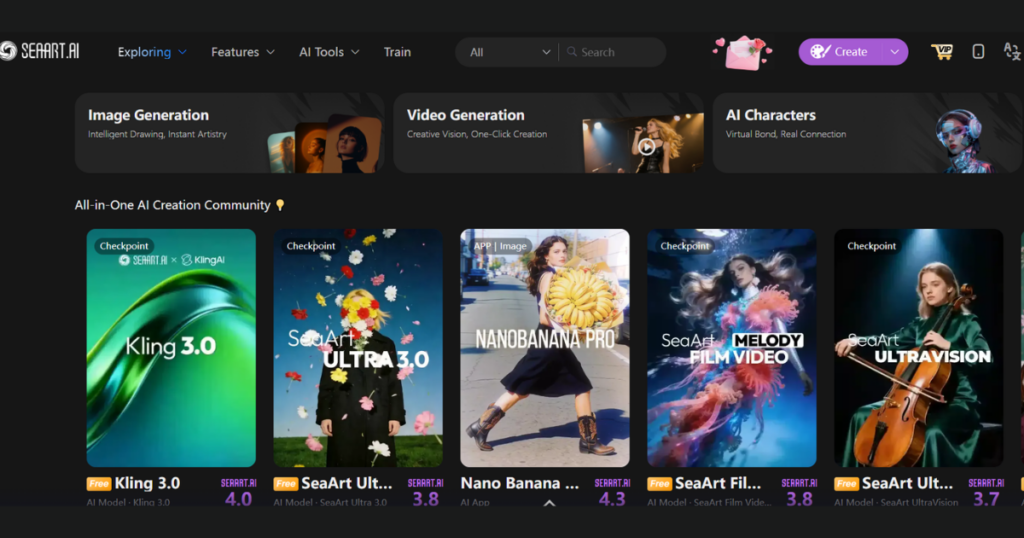
SeaArt AI is an innovative, cloud-based AI art generator that leverages artificial intelligence to help users create stunning artwork from text prompts, images, and custom-trained styles. Whether you are a professional designer or someone who enjoys digital art as a hobby, SeaArt AI offers tools that make the creative process smoother and more enjoyable.
Unlike traditional graphic software that requires advanced skills, SeaArt AI simplifies complex design workflows. It runs fully online, so you do not need high-end hardware or technical setup.
How SeaArt AI Works
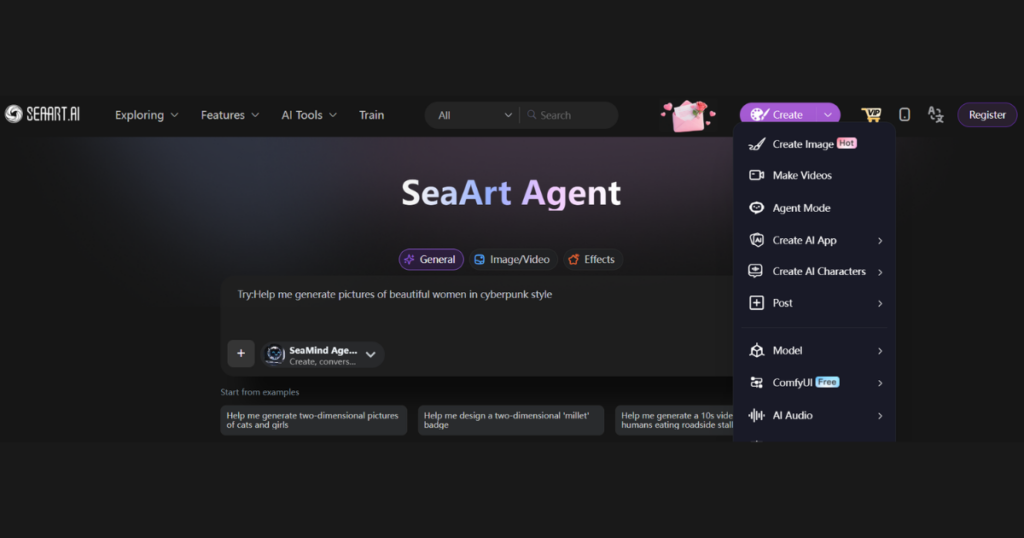
SeaArt AI uses diffusion-based AI models similar to systems inspired by Stability AI and advanced workflow structures like ComfyUI. These models transform written prompts into detailed visuals.
You enter a prompt such as “realistic cyberpunk city at sunset” and the AI generates multiple variations. You can adjust resolution, style presets, lighting effects, and aspect ratios. For more control, advanced users can access node-based workflow editing.
SeaArt AI Features and Benefits
Intuitive User Interface
SeaArt AI boasts a clean and user-friendly dashboard. Even first-time users can generate AI art within minutes. The interface feels structured without being overwhelming, which makes it accessible to all skill levels.
For beginners, preset models simplify the process. For advanced users, deeper customization options provide flexibility.
AI-Powered Image Generation
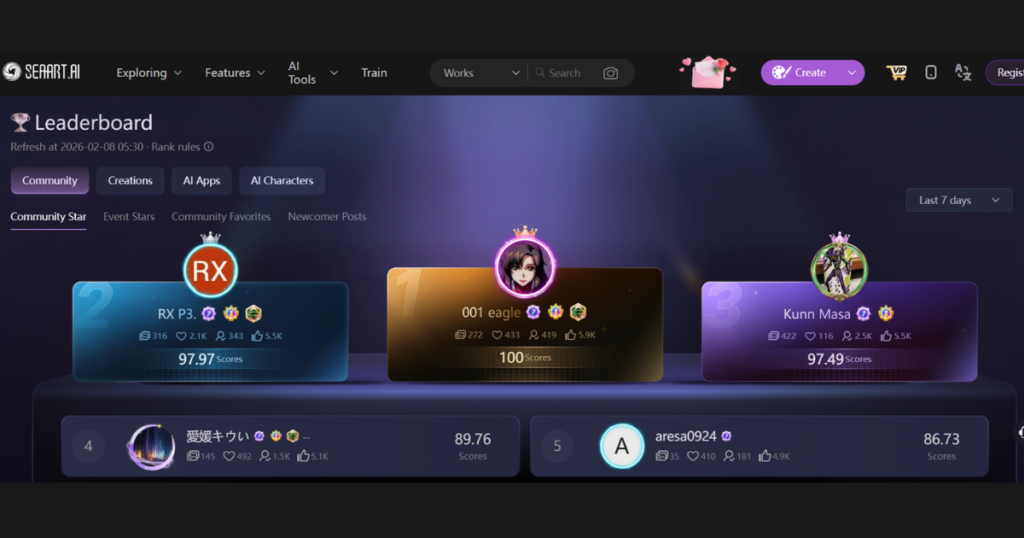
The core feature of this SeaArt AI review is its powerful text-to-image engine. You can create:
- Realistic portraits
- Anime characters
- Fantasy landscapes
- Product mockups
- Social media visuals
The system produces fast outputs and multiple variations. Since AI models include randomness, each generation feels unique.
AI Video Creation
SeaArt AI also supports AI video generation. You can animate images or create short clips using prompts. Users can adjust motion style, duration, and frame effects.
While it does not replace professional video editing software, it works well for short marketing clips, creative experiments, and concept previews.
LoRA Training for Custom Styles
One of the most impressive features in this SeaArt AI review is LoRA training. LoRA allows users to upload around 20 to 30 images to train a lightweight custom style model.
This feature helps:
- Maintain brand consistency
- Create repeatable character styles
- Develop unique artistic signatures
Instead of retraining a full AI model, LoRA training offers a faster and more efficient solution.
Customization Options
SeaArt AI gives users strong control over their output. You can modify:
- Lighting and mood
- Sampling steps
- Style intensity
- Model selection
These customization tools allow personal touches and creative freedom.
Time-Saving Automation
By automating repetitive design tasks, SeaArt AI allows artists to focus more on creativity. Generating concept drafts that once took hours can now take minutes. Your coffee might still be warm by the time your art is ready.
SeaArt AI Pricing
SeaArt AI uses a hybrid pricing system.
Stamina System
Users receive daily free Stamina points. These reset every day and allow limited free generations.
Paid Credits
Credits do not expire and support higher resolution images, video creation, and LoRA training.
Plans range from entry-level subscriptions to advanced tiers that support faster processing and simultaneous generations. This flexible pricing model makes the platform accessible to both hobbyists and professionals.
Who Can Benefit from SeaArt AI?
SeaArt AI works well for multiple audiences.
Professional Artists
Artists can enhance their workflow, explore new creative avenues, and generate rapid concept art without technical limitations.
Graphic Designers
Designers can quickly create design prototypes, mockups, and brainstorming visuals. This reduces early-stage production time significantly.
Marketing Professionals
Marketing teams can generate eye-catching visuals for ads, blog posts, landing pages, and social campaigns. AI-generated graphics help scale content production efficiently.
Hobbyists
If you simply enjoy digital art, SeaArt AI makes it easy to experiment and discover your artistic potential.
Pros and Cons of SeaArt AI
Pros
- Wide creative flexibility
- AI image and video generation in one platform
- LoRA custom style training
- Commercial usage rights
- No hardware requirements
Cons
- Output may vary due to AI randomness
- Advanced workflows require learning
- Fully online access only
- Users should review moderation policies carefully
Is SeaArt AI Good for Commercial Use?
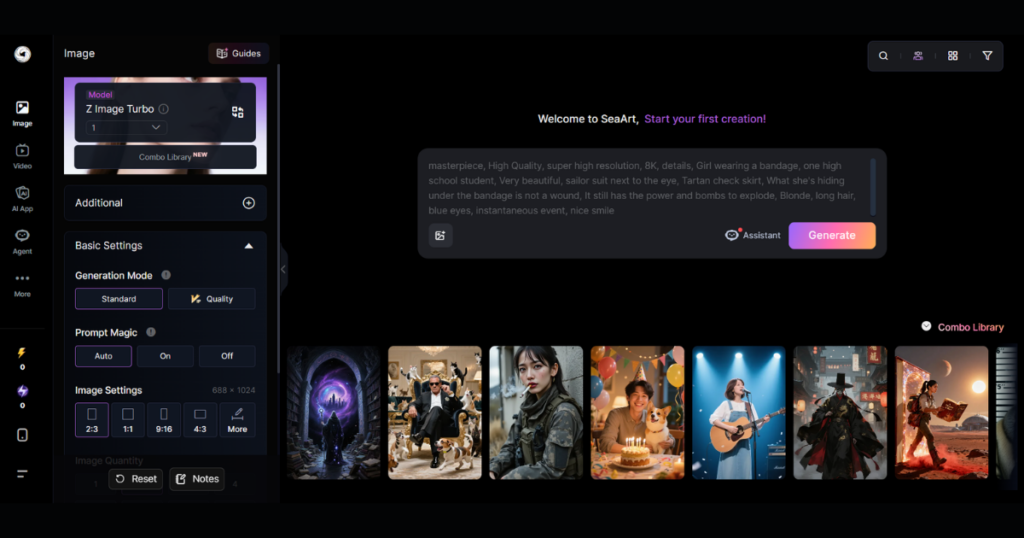
Yes, SeaArt AI allows commercial usage of generated content. Businesses use AI art for social media creatives, advertising visuals, website graphics, and concept designs. However, users should always check licensing terms and ensure compliance with platform guidelines.
Final Verdict on SeaArt AI in 2026
This SeaArt AI review confirms that the platform stands out as a versatile AI art generator and AI video creation tool. It combines accessibility with powerful features like LoRA training and workflow customization.
If you want a creative tool that saves time, supports commercial use, and reduces technical complexity, SeaArt AI delivers strong value. It may not replace high-end design software entirely, but it dramatically speeds up the creative process.
Frequently Asked Questions About SeaArt AI
Is SeaArt AI free?
SeaArt AI offers limited free daily usage through the Stamina system. For advanced features and higher output quality, paid credits or subscription plans are required.
Can beginners use SeaArt AI easily?
Yes. The user interface is simple and intuitive. Beginners can use preset models, while advanced users can explore deeper customization.
Does SeaArt AI support custom style training?
Yes. Through LoRA training, users can create custom style models using a small dataset of images.
Is SeaArt AI suitable for marketing content?
Absolutely. Marketing professionals use SeaArt AI to create social media graphics, ad creatives, and website visuals efficiently.
Do I need a powerful computer to use SeaArt AI?
No. Since it is cloud-based, you only need a stable internet connection and a browser.
Ready to start creating? Visit the official SeaArt AI website to explore its features and pricing plans.
If you enjoy exploring powerful platforms like SeaArt AI and want to discover more innovative AI tools for content creation, design, marketing, and productivity, you should definitely check out this curated collection. Visit AI Tools Directory on Aitude to explore detailed reviews, comparisons, and the latest AI software that can help you work smarter and create faster. Whether you are a designer, developer, marketer, or entrepreneur, you will find practical tools that match your needs and budget.